prompthance

Supercharge your prompts for perfect results

user
U1
user
U2
user
U3
user
U4
4.9/5

Trusted by 1200+ creators from all over the world

prompthance-enhancer.ai
Original Prompt
“Planning to create a group as a community where I basically share tech tips(PC tips) & sell my product(PC's) I need a good description for the WhatsApp group...”
Enhanced Result
Craft an engaging WhatsApp group description aimed at attracting tech enthusiasts interested in PC products and innovations. The description should highlight the community's purpose of sharing valuable PC tips and promoting quality PCs for sale.
#Marketing#CommunityGrowth

Quality Score

9.8/10

How It Works

With our tools you can get better results with your prompts.

ORIGINAL PROMPT
The AI should carefully look at the app and check all its workings and procedure and ensure that it does the key points of : Adding and updating all school related activities like adding classes, students, books, tests and exams from the admins side. Have the helpline mode properly showing and instructing people how to use the app efficiently. Have the database working in real time and anything updated will go directly to the database and the cloud is already updated and carefully structured ready to work. To ensure that no codes aren't written, no data isnt saved and no problem is there. Make sure the dark mode and light mode features, use proper sensible and near professional colors that correspond with the logo to create a perfect harmony of colours. Ensure that parents can only see their dashboard which will be a summary of their kids performance, the dashboard should include : Grade average, Tests completed, books open and read, subjects their taking and some small infos like their name, age and class. Apart from that parents should see the class section and a new section for booking more classes and once a parent books their class through the selection of grade and subject they can then wait for a confirmation from the admin. On the admin side the request should come and once accepted then the class will added. The AI should carefully look at the app and check all its workings and procedure and ensure that it does the key points of : Adding and updating all school related activities like adding classes, students, books, tests and exams from the admins side. Have the helpline mode properly showing and instructing people how to use the app efficiently. Have the database working in real time and anything updated will go directly to the database and the cloud is already updated and carefully structured ready to work. To ensure that no codes aren't written, no data isnt saved and no problem is there. Make sure the dark mode and light mode features, use proper sensible and near professional colors that correspond with the logo to create a perfect harmony of colours. Ensure that parents can only see their dashboard which will be a summary of their kids performance, the dashboard should include : Grade average, Tests completed, books open and read, subjects their taking and some small infos like their name, age and class. Apart from that parents should see the class section and a new section for booking more classes and once a parent books their class through the selection of grade and subject they can then wait for a confirmation from the admin. On the admin side the request should come and once accepted then the class will added. The AI should carefully look at the app and check all its workings and procedure and ensure that it does the key points of : Adding and updating all school related activities like adding classes, students, books, tests and exams from the admins side. Have the helpline mode properly showing and instructing people how to use the app efficiently. Have the database working in real time and anything updated will go directly to the database and the cloud is already updated and carefully structured ready to work. To ensure that no codes aren't written, no data isnt saved and no problem is there. Make sure the dark mode and light mode features, use proper sensible and near professional colors that correspond with the logo to create a perfect harmony of colours. Ensure that parents can only see their dashboard which will be a summary of their kids performance, the dashboard should include : Grade average, Tests completed, books open and read, subjects their taking and some small infos like their name, age and class. Apart from that parents should see the class section and a new section for booking more classes and once a parent books their class through the selection of grade and subject they can then wait for a confirmation from the admin. On the admin side the request should come and once accepted then the class will added. The AI should carefully look at the app and check all its workings and procedure and ensure that it does the key points of : Adding and updating all school related activities like adding classes, students, books, tests and exams from the admins side. Have the helpline mode properly showing and instructing people how to use the app efficiently. Have the database working in real time and anything updated will go directly to the database and the cloud is already updated and carefully structured ready to work. To ensure that no codes aren't written, no data isnt saved and no problem is there. Make sure the dark mode and light mode features, use proper sensible and near professional colors that correspond with the logo to create a perfect harmony of colours. Ensure that parents can only see their dashboard which will be a summary of their kids performance, the dashboard should include : Grade average, Tests completed, books open and read, subjects their taking and some small infos like their name, age and class. Apart from that parents should see the class section and a new section for booking more classes and once a parent books their class through the selection of grade and subject they can then wait for a confirmation from the admin. On the admin side the request should come and once accepted then the class will added. The AI should carefully look at the app and check all its workings and procedure and ensure that it does the key points of : Adding and updating all school related activities like adding classes, students, books, tests and exams from the admins side. Have the helpline mode properly showing and instructing people how to use the app efficiently. Have the database working in real time and anything updated will go directly to the database and the cloud is already updated and carefully structured ready to work. To ensure that no codes aren't written, no data isnt saved and no problem is there. Make sure the dark mode and light mode features, use proper sensible and near professional colors that correspond with the logo to create a perfect harmony of colours. Ensure that parents can only see their dashboard which will be a summary of their kids performance, the dashboard should include : Grade average, Tests completed, books open and read, subjects their taking and some small infos like their name, age and class. Apart from that parents should see the class section and a new section for booking more classes and once a parent books their class through the selection of grade and subject they can then wait for a confirmation from the admin. On the admin side the request should come and once accepted then the class will added.
ENHANCED IN DETAIL MODE
Analyze the school management app to ensure optimal functionality and user experience. Focus on the following key areas 1. Admin Features: Verify that the app allows admins to effectively add and update school-related activities, including classes, students, books, tests, and exams. Ensure real-time database updates and seamless integration with the cloud, prioritizing data integrity by confirming that no codes are left unwritten and no data is lost. 2. Help Features: Implement an intuitive helpline mode that provides clear instructions on using the app efficiently. 3. User Interface: Ensure both dark mode and light mode features utilize a professional color palette that aligns with the school logo, creating a harmonious visual experience. 4. Parent Dashboard: Confirm that parents have exclusive access to a dashboard summarizing their childrens performance, including grade averages, completed tests, books read, subjects enrolled in, and essential information such as name, age, and class. Additionally, integrate a section for booking classes, allowing parents to select grade and subject, with an administrative confirmation process for class bookings. 5. User Experience: Evaluate the overall user experience to ensure it meets the needs of all users, contributing to increased user adoption and problem resolution. Analyze the school management app to ensure optimal functionality and user experience. Focus on the following key areas 1. Admin Features: Verify that the app allows admins to effectively add and update school-related activities, including classes, students, books, tests, and exams. Ensure real-time database updates and seamless integration with the cloud, prioritizing data integrity by confirming that no codes are left unwritten and no data is lost. 2. Help Features: Implement an intuitive helpline mode that provides clear instructions on using the app efficiently. 3. User Interface: Ensure both dark mode and light mode features utilize a professional color palette that aligns with the school logo, creating a harmonious visual experience. 4. Parent Dashboard: Confirm that parents have exclusive access to a dashboard summarizing their childrens performance, including grade averages, completed tests, books read, subjects enrolled in, and essential information such as name, age, and class. Additionally, integrate a section for booking classes, allowing parents to select grade and subject, with an administrative confirmation process for class bookings. 5. User Experience: Evaluate the overall user experience to ensure it meets the needs of all users, contributing to increased user adoption and problem resolution. Analyze the school management app to ensure optimal functionality and user experience. Focus on the following key areas 1. Admin Features: Verify that the app allows admins to effectively add and update school-related activities, including classes, students, books, tests, and exams. Ensure real-time database updates and seamless integration with the cloud, prioritizing data integrity by confirming that no codes are left unwritten and no data is lost. 2. Help Features: Implement an intuitive helpline mode that provides clear instructions on using the app efficiently. 3. User Interface: Ensure both dark mode and light mode features utilize a professional color palette that aligns with the school logo, creating a harmonious visual experience. 4. Parent Dashboard: Confirm that parents have exclusive access to a dashboard summarizing their childrens performance, including grade averages, completed tests, books read, subjects enrolled in, and essential information such as name, age, and class. Additionally, integrate a section for booking classes, allowing parents to select grade and subject, with an administrative confirmation process for class bookings. 5. User Experience: Evaluate the overall user experience to ensure it meets the needs of all users, contributing to increased user adoption and problem resolution.
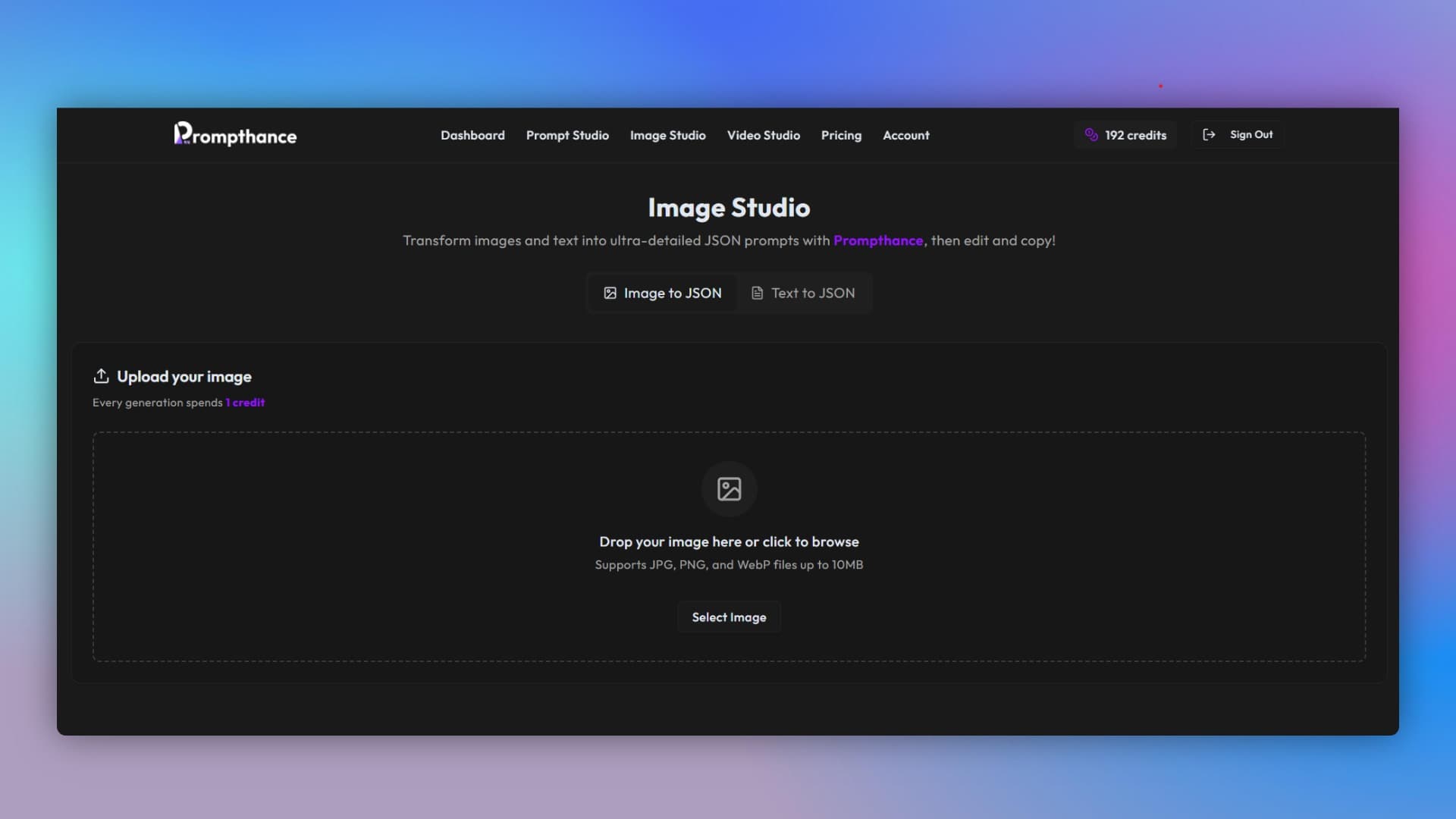
Upload your image
JSON Prompt

Upload your image

Drag and drop or click to upload any image

1/3
Interactive Templates

Try Our New Prompt Directory

Explore new prompts, change the variables and use it with your favorite models!

Customize Variables

Template Preview
Act as a . Write a article about that highlights key opportunities for the future. Ensure the content is engaging and actionable.

Explore the Prompt Directory

Simple, Transparent Pricing

Choose a plan that best fits your needs. Start free, upgrade when you grow.

Limited Time Offer
SAVE 67%Ending soon

Lifetime Access

Pay once and get 3000 credits renewed every month forever. No monthly fees, just pure creation.

All Generation Features
Priority Support
Commercial Usage

Free

Free

Try prompthance for free

  • 10 generations
  • All generation features
  • Prompt editing
  • Access to Video & Image Studio
  • Normal support
Most popular

Starter

$9per month

Maximize your creative workflow

  • 200 generations
  • All generation features
  • Prompt editing
  • Access to Video & Image Studio
  • Import from YouTube, Reels & TikTok
  • 17+ AI analysis actions
  • Chat with videos
  • Priority support

Creator

$30per month

Maximize your creative workflow without limits

  • 1000 generations
  • All generation features
  • Prompt editing
  • Access to Video & Image Studio
  • Import from YouTube, Reels & TikTok
  • 17+ AI analysis actions
  • Chat with videos
  • Priority support

Credits are used for generating approximately 1 credit = 1 generation. Credits reset every month.

Frequently Asked Questions

Everything you need to know about our AI-powered prompt enhancement.

Ready to Transform Your Workflow?

Join thousands of creators, designers, and artists using prompthance to enhance their AI content generation.